Ancestry message boards contain over 25 million posts on more than 198,000 boards.
Learn how to:
Finding message boards
Go to message boards
Or,
- In the top-right corner of Ancestry, click the question mark ? and select Community.
- Under Collaborate, click Message Boards.
Finding existing threads
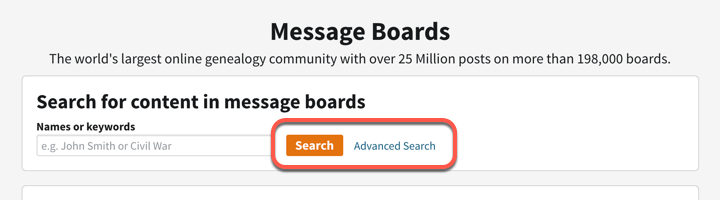
To find existing threads, enter a name, event, or keyword in the search box at the top and click Search. For more specific searches by author’s name, classification type, or date posted, click Advanced Search.
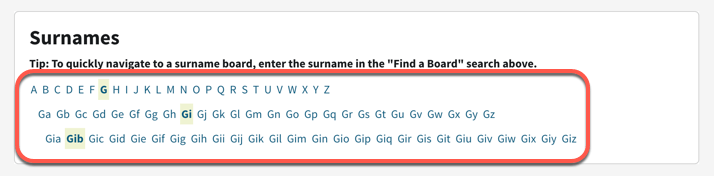
To explore boards by last name, under Surname, click the first letter of the last name. Below that, choose the option with the name’s first two letters, then the first three letters, and so on. For example, if you’re searching for the name Gibb, click G > Gi > Gib.
Starting a new thread
- Go to the board you want to post in.
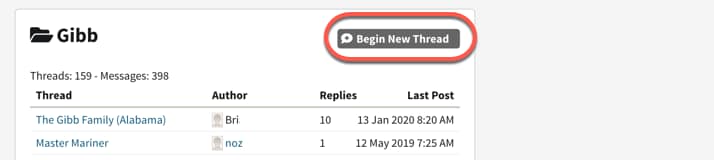
- In the board’s top-right corner, click Begin New Thread.
- Enter a subject and message.
- Check the box to receive alerts when people reply to this thread.
- Enter surnames mentioned in your post.
- Choose a classification for the post.
- (Optional) Add an attachment.
- Click Post.
Requesting a new board
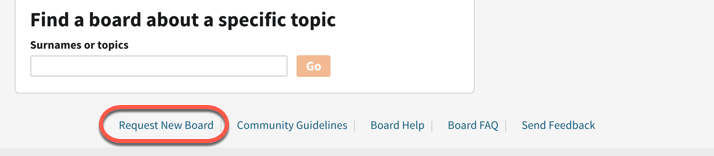
To request a board that doesn’t exist, click Request New Board found at the bottom of most Message Board pages.
Contacting posters
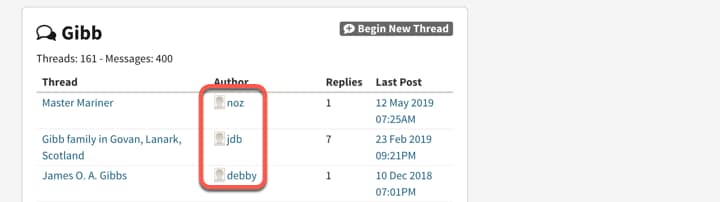
To contact someone posting on a message board or thread:
- Click on their name/username.
- On the left side of their profile page, click Message.
- At the bottom of your screen, enter your message and click Send.
Contacting a message board administrator
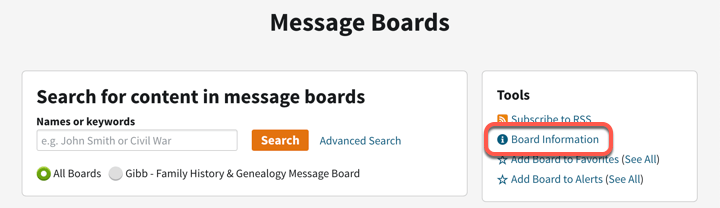
To contact a message board administrator, go to the message board and click on Board Information. If there’s an administrator, a pop-up with their email address will appear.