A shared match is someone who is a match to you and one of your other matches. For example, if Jane Doe is a match to you and one of your other matches, Jane Doe is a shared match.

Figure 1. How Shared Matches are calculated. A., Your list of DNA matches. B., One of your DNA Matches you’re interested in. C., A list of DNA Matches that are shared between you and the DNA Match you’re interested in.
Shared matches can be a powerful tool in your family history research. They can help you figure out how you're related to a specific match and give you more evidence of your relationship.
Ancestry® Pro Tools offers enhanced shared matches. Enhanced shared matches lets you see how much DNA your matches share and how they might be related. For example, you can see how much DNA a match (B) shares with your shared matches (C) and their Ancestry-predicted relationships.
For tips on using shared matches, see Using Shared Matches in Your Research.
How to get it
- Have AncestryDNA® results:
- Manage your settings:
- Subscribe:
Viewing shared matches
Because shared matches work best for closer relationships, you can see which matches you share with 4th cousins and closer.
- From your list of matches, click on the name or username of a match.
- On the match compare page, select the Shared Matches tab.
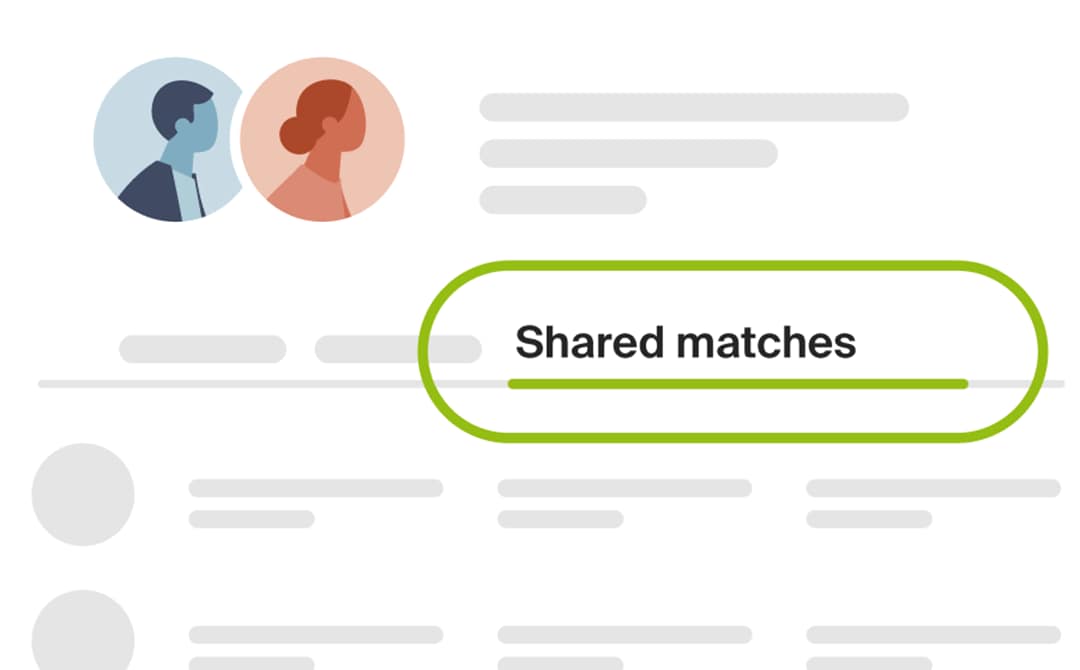
- (Optional) Use the filter, search, and sort features to find the shared matches you're interested in.
-
Next to a shared match, click the relationship link (for example, Aunt or Half-sister).
In the opened window, you’ll see how you and that match, or those two matches, are likely related and the amount of shared DNA (measured in centimorgans (cM)).
Filtering, searching, and sorting shared matches
Above your list of shared matches, you can apply filters to narrow the list, search for specific matches, or use the sort feature to arrange them by date (newest to oldest) or how closely they’re related (close to distant).
Unexpected matches and relationships
DNA results can greatly impact how we understand our family connections. If your shared matches show something you weren't expecting, we have some resources that can help.
Frequently asked questions
Do I need a membership to access shared matches?
Yes. Shared matches are now part of Ancestry family history memberships. To see your shared matches, you must have one of these memberships.
How can I get access to enhanced shared matches?
To access enhanced shared matches, you must have an Ancestry® Pro Tools Membership, which requires an Ancestry family history membership.
Where are Pro Tools and enhanced shared matches available?
Pro Tools and enhanced shared matches are available in the United States, Canada, Australia, and the United Kingdom.
Can I access enhanced shared matches in the Ancestry app?
No. Enhanced shared matches are not currently available in the Ancestry app. However, they are available on the Ancestry website with an active Pro Tools membership.
Are the predicted relationships shown from Ancestry or the selected match?
The predicted relationships shown are by Ancestry. You can see the relationship you've assigned to your matches, but others can't see them, and you can't see theirs.
Can I hide my relationship to other matches?
No. You can’t hide your relationship to other matches. However, you can opt out of matching.
What happens if I cancel Pro Tools?
If you cancel Pro Tools, you’ll keep access to enhanced shared matches until your membership expires (on the “Expires” date on your Account settings page).
What if I cancel my Ancestry family history membership?
If you cancel your Ancestry family history membership, your Pro Tools membership will also be canceled, ending your access to Enhanced Shared Matches and other DNA features. For information about the AncestryDNA® features available with and without memberships, see AncestryDNA® and Memberships.


