You can unsubscribe from emails and push notifications (app notifications) at any time.
If you unsubscribe from emails, you may continue to receive emails you opt out of for up to 72 hours after unsubscribing. If you unsubscribe from all emails, you'll still receive account-related emails, including emails containing payment, security, and legal information. Unsubscribing from emails on Ancestry® will not affect email subscriptions you have with Fold3®, Newspapers.com™, or Archives®.
Emails
To view the email address associated with your Ancestry account, check your Account settings page. To change that email address, click on it.
Go to communications settings (Click your name or username in the top-right corner and select
Account Settings >
Communications.)
On the Communications settings page, select a topic and select or deselect email notifications for that topic.
Push notifications
If you have the Ancestry mobile app on your phone or tablet, choose which notifications to receive on the Communications settings page.
Go to communications settings(Click your name or username in the top-right corner and select
Account Settings >
Communications.)
On the Communications settings page, select a topic and select or deselect push notifications for that topic.
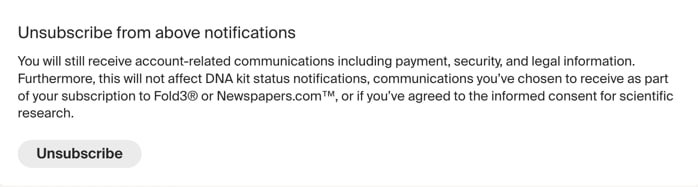
Unsubscribing from all emails and push notifications
Go to communications settings (Click your name or username in the top-right corner and select
Account Settings >
Communications.)
To unsubscribe from all emails and push notifications, click
Unsubscribe at the bottom of the page.