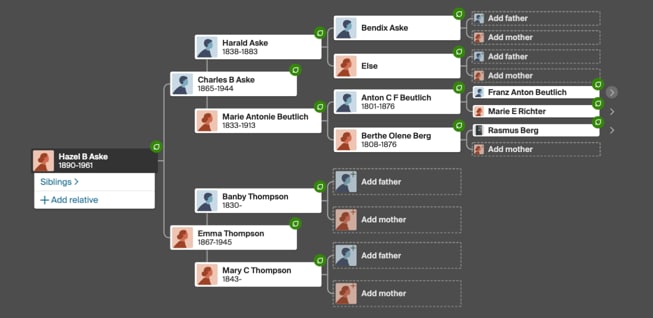
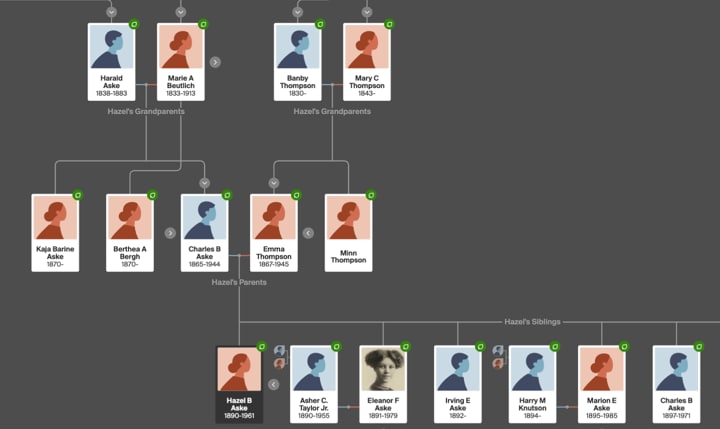
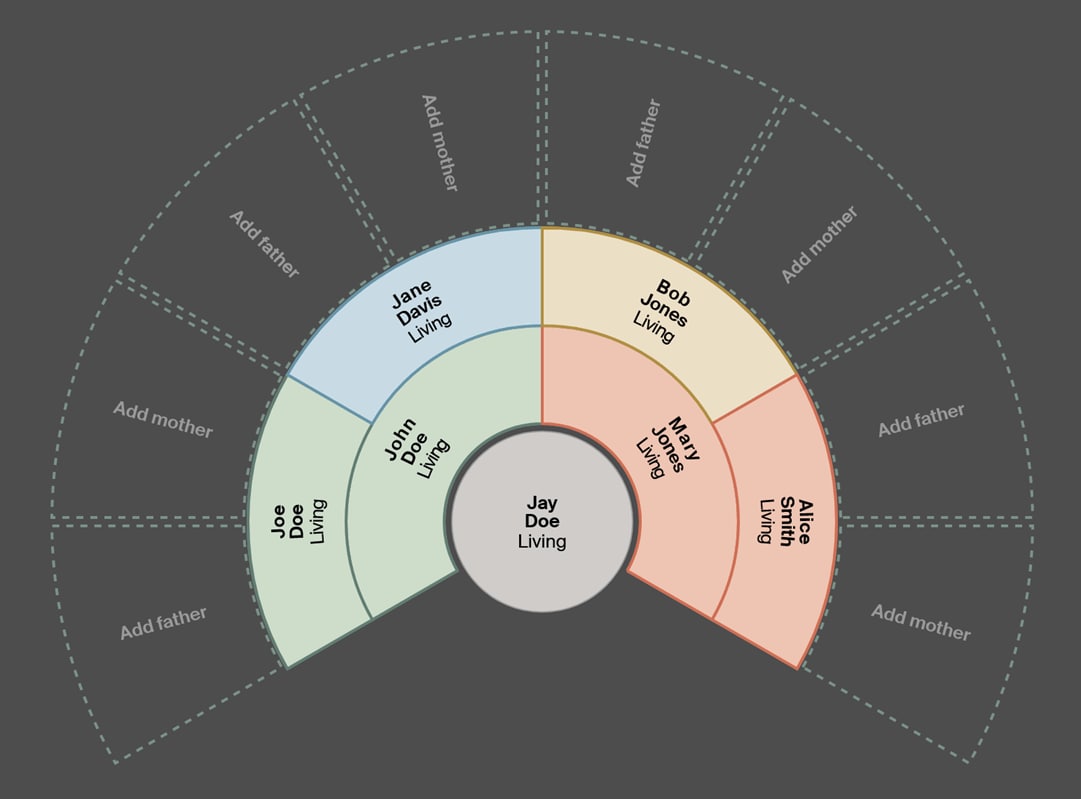
Using the horizontal, vertical, and fan tree views, you can change the layout of your family tree and who's displayed.
 The horizontal view focuses only on direct ancestors, with descendants on the left and ancestors extending to the right.
 The vertical view shows everyone connected in your tree, with ancestors extending upward and descendants extending downward.
 The fan view shows up to 7 generations of a person’s direct-line ancestors arranged in a half-circle or fan shape. Access to a fan chart with advanced hint, photo, and source filters are available with an active Ancestry® Pro Tools Membership.
Switching tree views
- Go to your family tree.
- In the toolbar on the left, click the View button and choose Horizontal, Vertical, or Fan.
Frequently asked questions
How can I change the background color of my tree?
For help with changing the background color of your tree, see Changing a Tree Background Color.
I receive an error message when attempting to switch to the vertical view. How can I fix this?
For help with errors related to displaying your tree in the vertical view, see Error When Displaying Trees in the Vertical View.